

Microsoft Double Key Encryption (DKE)
Keep Microsoft from unlocking regulated mail, files and Teams content alone, without leaving M365.

Google Workspace CSE
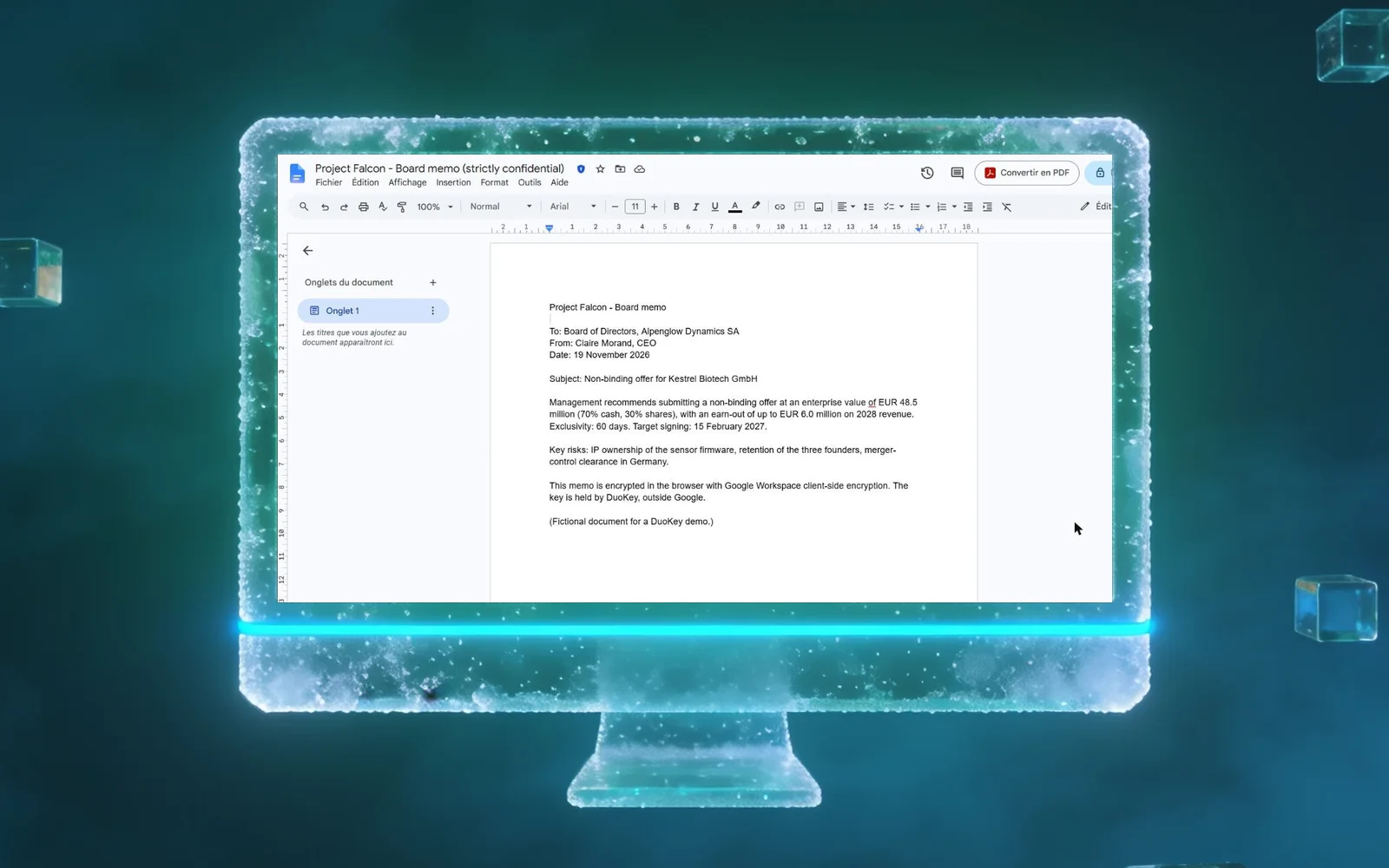
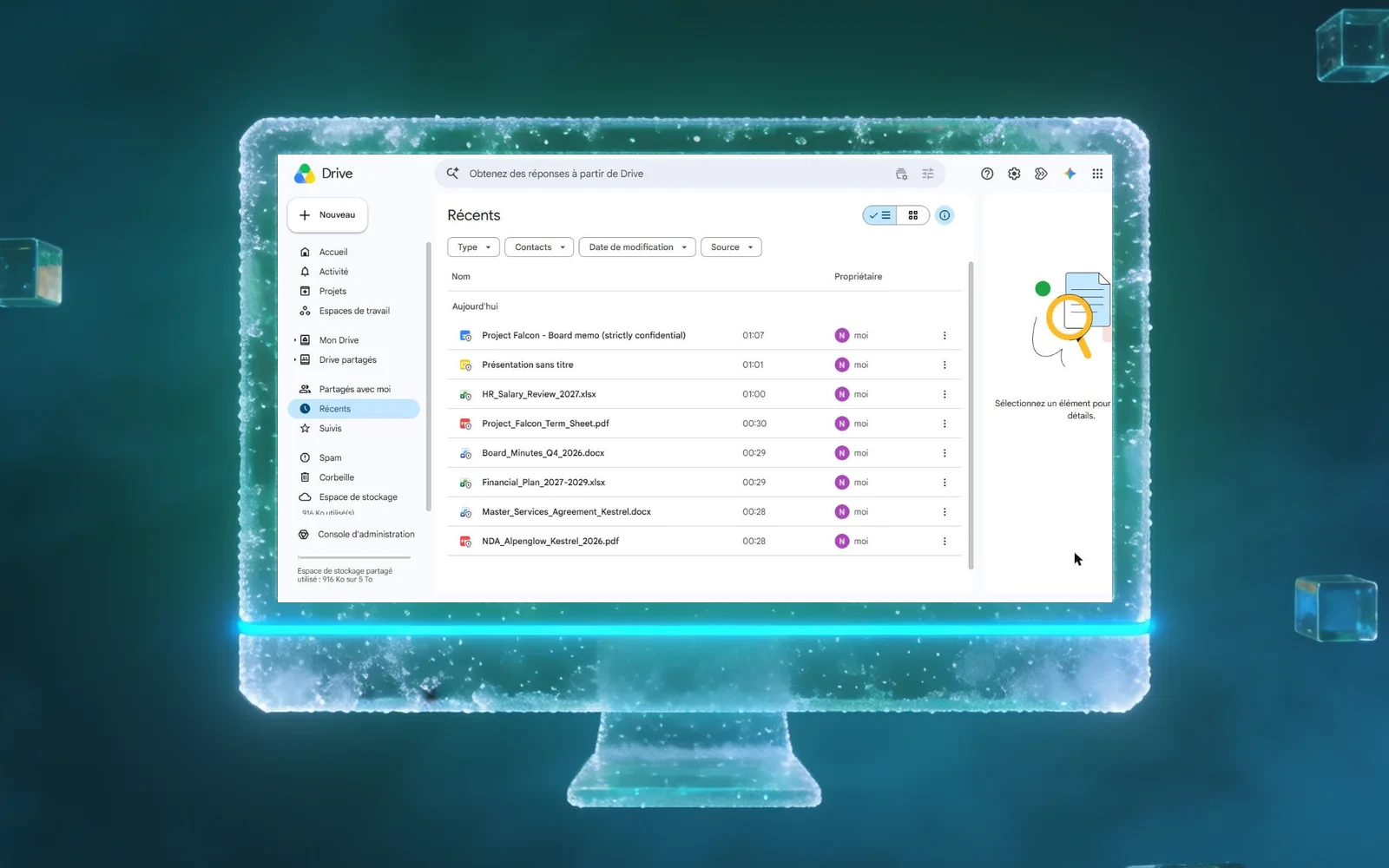
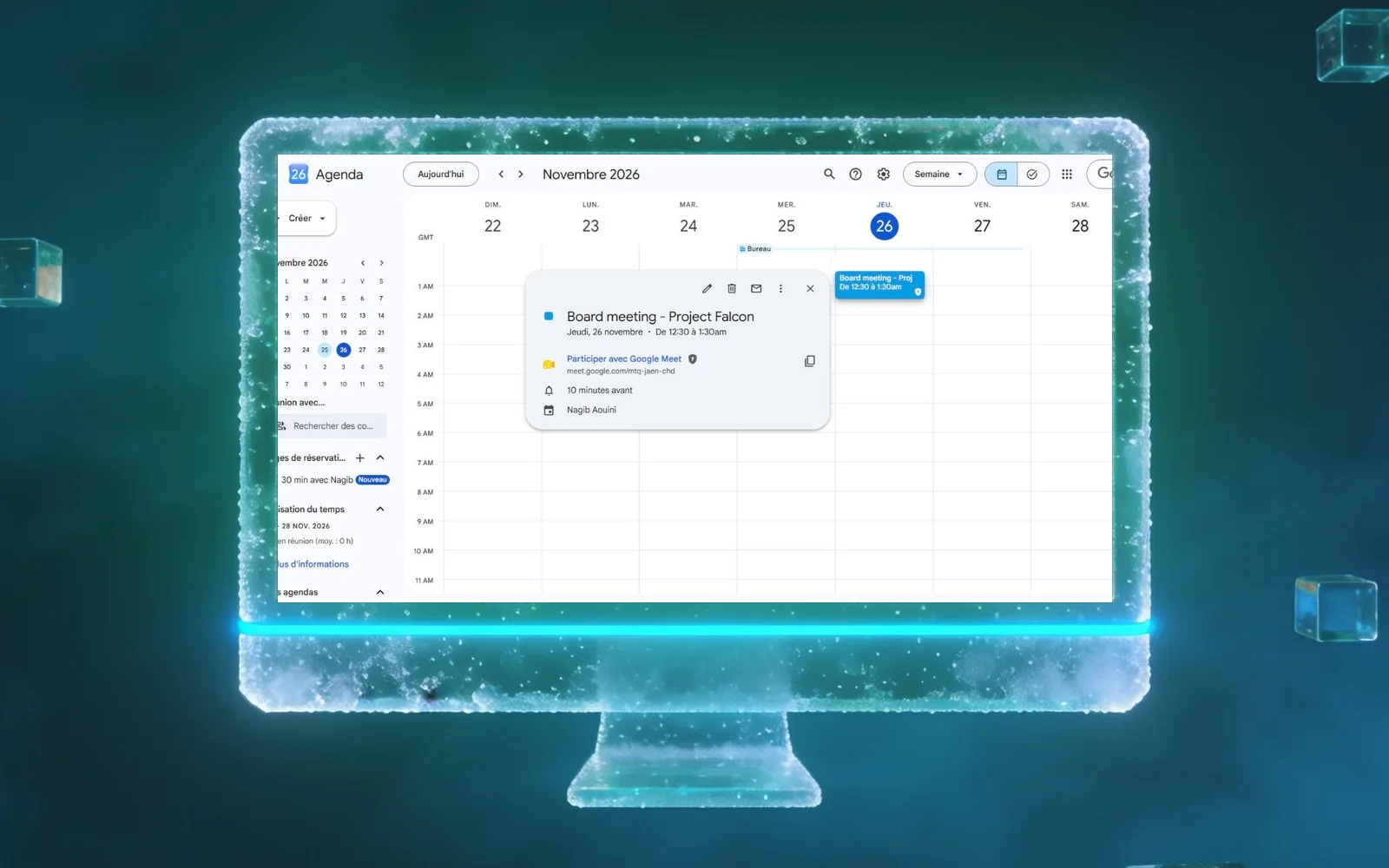
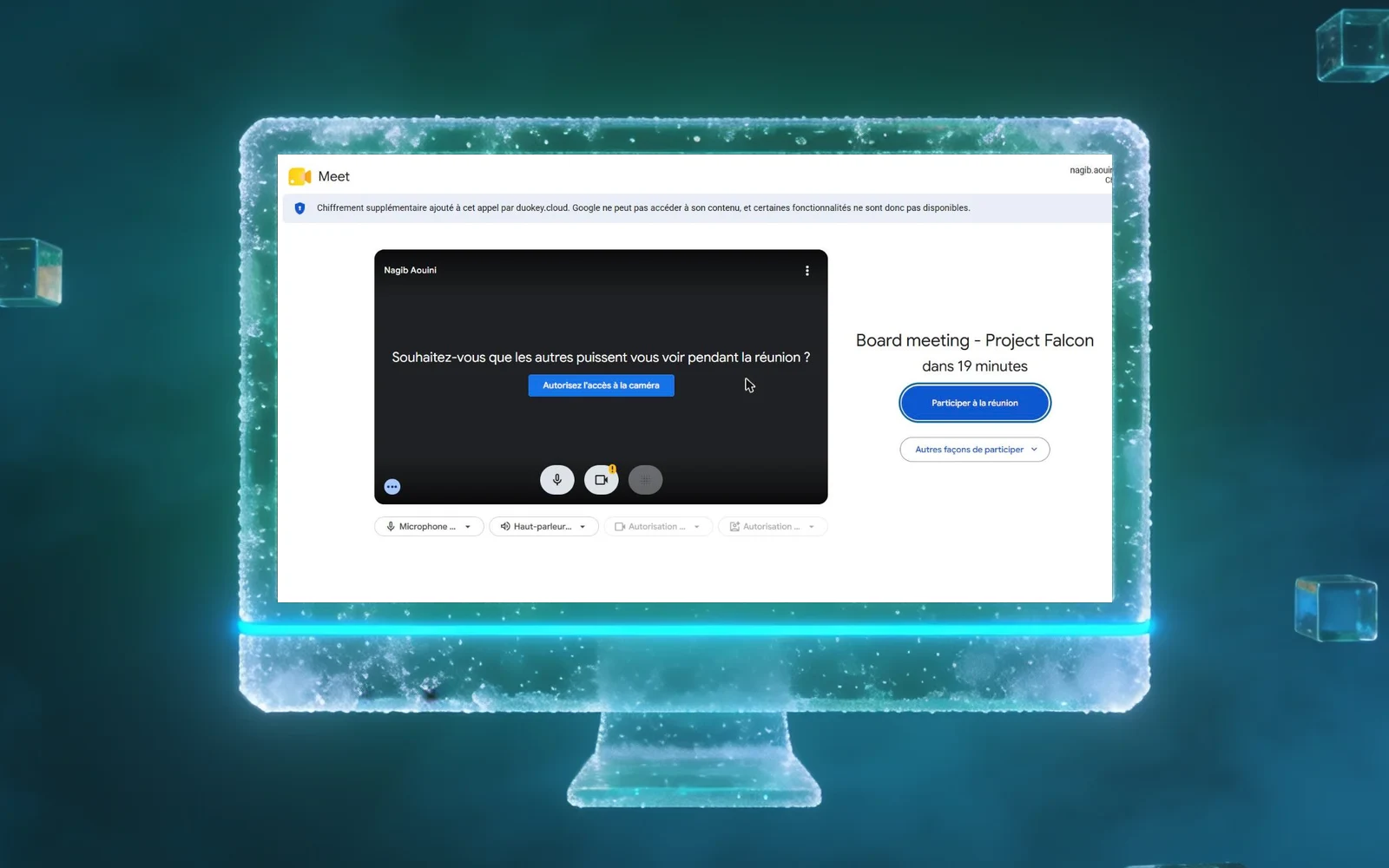
Keep Google from reading your Docs, Drive files, Calendar events and Meet calls. Content is encrypted in the browser and the key that protects it stays with DuoKey, outside Google.
Product demo
Encrypted Docs, Drive, Calendar and Meet, with every key access in Cockpit
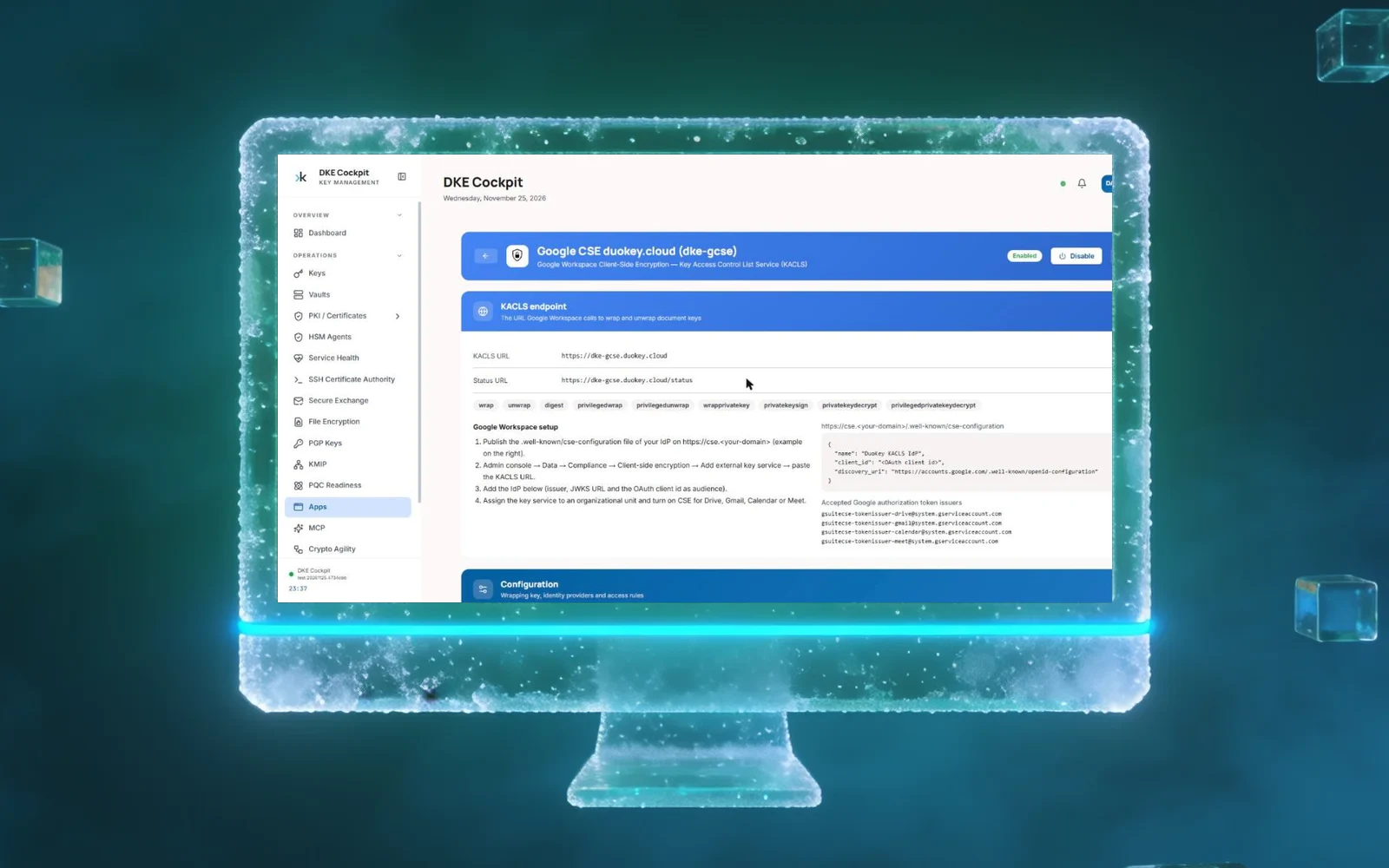
Google Workspace client-side encryption encrypts content in the browser. DuoKey Cockpit is the key service that wraps and unwraps the content keys, so Google stores the data but cannot read it.
Content keys are wrapped in your DuoKey vault or HSM. Google only ever holds ciphertext and wrapped keys.
Each wrap and unwrap checks the user's identity token and Google's authorization token before the key is used.
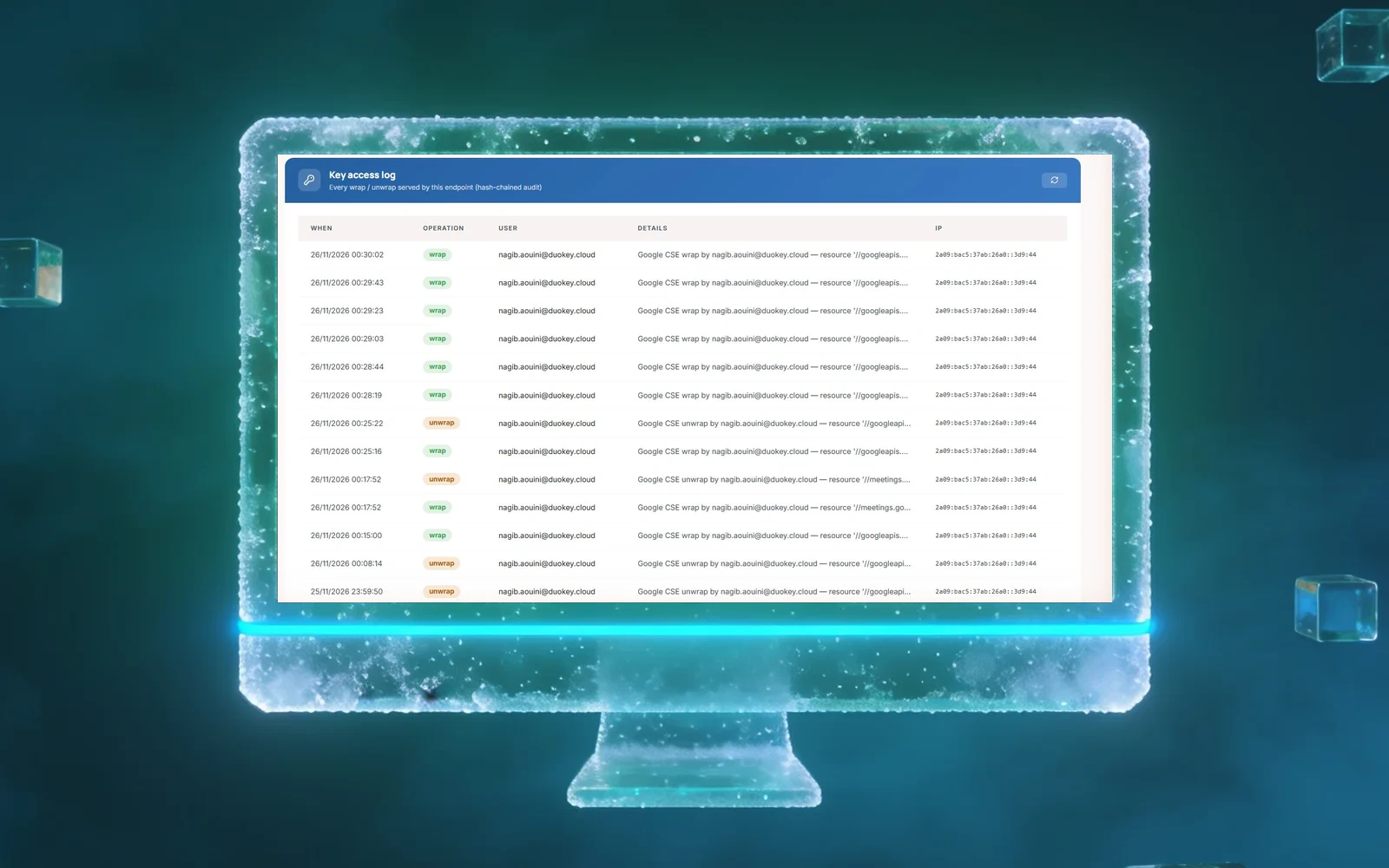
One line per wrap and unwrap, with user, resource and IP, in a hash-chained key access log.
Docs, Sheets, Slides, Drive files, Calendar events and Meet calls are encrypted in the user's browser before they reach Google. The key that protects each file is wrapped by DuoKey.
Google sends an authorization token and the user's identity token with each request. DuoKey verifies both, checks that they name the same user and the right document, then applies your access rules.
Disable the key service in Cockpit and Google can no longer open any encrypted file, event or call. Turn it back on and access returns, with nothing re-encrypted.
Each wrap and unwrap is written to a hash-chained key access log with the user, the Google resource and the source IP, ready for your SIEM and your auditors.
Client-side encryption covers the Google Workspace apps where your most sensitive work happens. Features that need Google to read the content, such as server-side search and some AI features, are not available on encrypted items.
The full Google key service API: wrap, unwrap, privileged operations and Gmail S/MIME keys.
Identity and Google authorization tokens verified on every request.
Allow or deny by user, group and role before the key is used.
Disable the key service and Google can no longer open encrypted content.
Hash-chained record of every wrap and unwrap, ready for your SIEM.
The wrapping key lives in a DuoKey vault, an HSM or MPC custody.
Begin with one organizational unit, then extend to Gmail, Calendar and Meet.
Proof in practice
Deep dives
Compliance
Trust
Customer programmes
See client-side encryption with DuoKey on your own Google Workspace tenant.
Products
Keep Microsoft from unlocking regulated mail, files and Teams content alone, without leaving M365.