
Product demo
Secure OpenCloud in 57 seconds
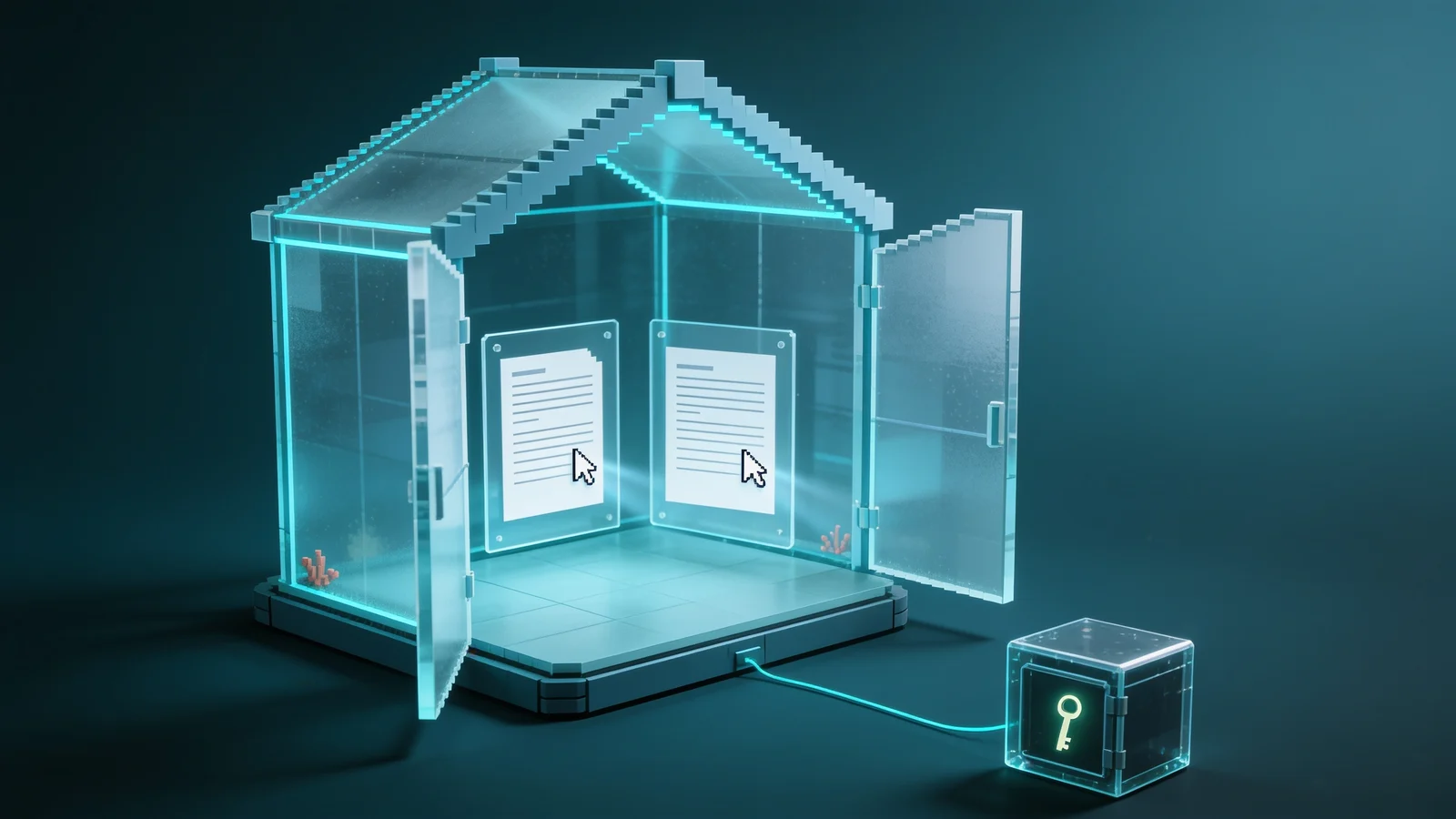
Project space, gateway, Collabora Online and ciphertext in OpenCloud.
Under your control: every project space
Secure OpenCloud takes the keys out of OpenCloud without taking browser editing away from your teams.
No plaintext in OpenCloud
OpenCloud stores protected documents as ciphertext only and holds no key.
Two independent checks
Rights in OpenCloud and the key right in the DuoKey Cockpit, managed by two teams.
Co-edit
Collabora Online stays the editor: several people, at the same time, in the project space.
How it works
The keys leave OpenCloud, collaboration stays
A DuoKey gateway written in Rust sits as the WOPI host between OpenCloud and Collabora Online. It reads the file over WebDAV with the signed-in person's rights, fetches the folder key from the Cockpit, decrypts in memory only and re-encrypts on every save.
- 01“Open with DuoKey” in the OpenCloud file menu
- 02The gateway reads the encrypted file with the person's own rights
- 03The Cockpit checks the key right and releases the folder key, hybrid-sealed
- 04The gateway decrypts in memory only
- 05Collabora Online edits over WOPI, several people at once
- 06Every save is re-encrypted and stored in OpenCloud as ciphertext
OpenCloud sees only ciphertext.
Documents are encrypted in the DKSF format with AES-256-GCM. Whoever downloads a file straight from OpenCloud, administrator, service provider or attacker, gets no readable document.
- No service account that could read every file: the gateway works with the signed-in person's rights.
- Names, sizes and shares remain visible to OpenCloud, the content does not.
Two checks before a document opens.
OpenCloud checks membership of the space, the DuoKey Cockpit checks the right to the key. If either is missing, the document stays closed.
- Whoever runs OpenCloud manages spaces, not keys.
- A revocation in the Cockpit takes effect immediately for new releases.
The master key never leaves your HSM.
The KEK lives in your HSM or vault. Each protected folder has its own versioned key, wrapped by the KEK; file keys are derived and never stored.
- Generic PKCS#11, Securosys, Utimaco, Crypto4A, Vault, OpenBao and cloud KMS.
- Handover to the gateway sealed with hybrid P-256 + ML-KEM-768.
Every access is on record.
Opens, saves, key releases and denials go to the Cockpit's access log and can be forwarded to your SIEM.
- One record per user, folder and key version.
- Evidence for audits under NIS2, GDPR or IT-Grundschutz.
Project spaces
Co-edit where your teams already work
In OpenCloud, confidential material belongs in a project space. Every member sees the same file there; the gateway puts them in the same Collabora session, and every cursor appears in the same encrypted document.
- One project space per team or project, with its own folder key
- Members are managed in OpenCloud, key rights in the Cockpit
- Individual shares also open and save through the gateway
- Switching platforms does not require re-encryption: DKSF is the same format everywhere
Fits your OpenCloud
Secure OpenCloud complements OpenCloud without changing it: a web extension for the file menu and the DuoKey gateway next to your installation.
- “Open with DuoKey” right in the OpenCloud file menu
- WOPI host for Collabora Online, WebDAV with the user's own rights
- The same keys and the same file format as under Nextcloud and openDesk
Test it
Test Secure OpenCloud in your environment
You run OpenCloud or are introducing it? We set up Secure OpenCloud with you on one project space, with your keys and your users.
- 01Call: your environment, your HSM or vault, your identity provider
- 02Setup of the gateway, the web extension and the Cockpit connection
- 03One project space with confidential documents, co-edited
- 04Proof: ciphertext in OpenCloud, access log in the Cockpit
On your premises, hybrid or as a service
In on-premises and hybrid mode, DuoKey does not hold your master keys.
Deep dives
Field guides for your programme

FAQ
Secure OpenCloud, frequently asked questions
Secure OpenCloud is DuoKey SecureFolder for OpenCloud: documents in protected spaces stay encrypted in OpenCloud, the master key stays in your organization's HSM or vault, and your teams keep co-editing in the browser with Collabora Online.
No. OpenCloud stores only DKSF ciphertext and holds no key. The DuoKey Cockpit releases the folder key only to a person who has the right to it; membership of the space alone is not enough.
Yes. In a project space, every member opens the same file through the gateway and edits it at the same time in Collabora Online. The gateway decrypts in memory and re-encrypts on every save.
No. Secure OpenCloud adds a web extension for the file menu and the DuoKey gateway. OpenCloud remains the storage and the rights management.
Yes. A file encrypted under OpenCloud, Nextcloud, openDesk or with the SecureFolder agent for Windows and macOS is the same DKSF file. Switching platforms later does not require re-encryption.
Book a call. We set up Secure OpenCloud with you on a project space in your environment, with your HSM or vault and your identity provider.
File names, sizes, dates and shares, but not the content. Previews and full-text search are not available in protected spaces, because the server cannot read the content.
Your documents in OpenCloud. Your keys with you.
Test Secure OpenCloud with us in your own environment: one project space, your keys, your teams.