
Product demo
Secure Open-Xchange in 57 seconds
OX App Suite, OX Guard, S/MIME and mailbox keys from the DuoKey Cockpit.
Under your control: every mailbox
Secure Open-Xchange takes the keys out of the mail system without changing the webmail.
Mailboxes encrypted
Messages are stored encrypted in Dovecot; the DuoKey Cockpit releases each user's key.
S/MIME from your PKI
Certificates from a DuoKey CA, private keys in escrow and recovered only under dual control.
The webmail you know
OX App Suite and OX Guard stay the interface: read, write, send encrypted.
How it works
The keys leave the mail system, the webmail stays
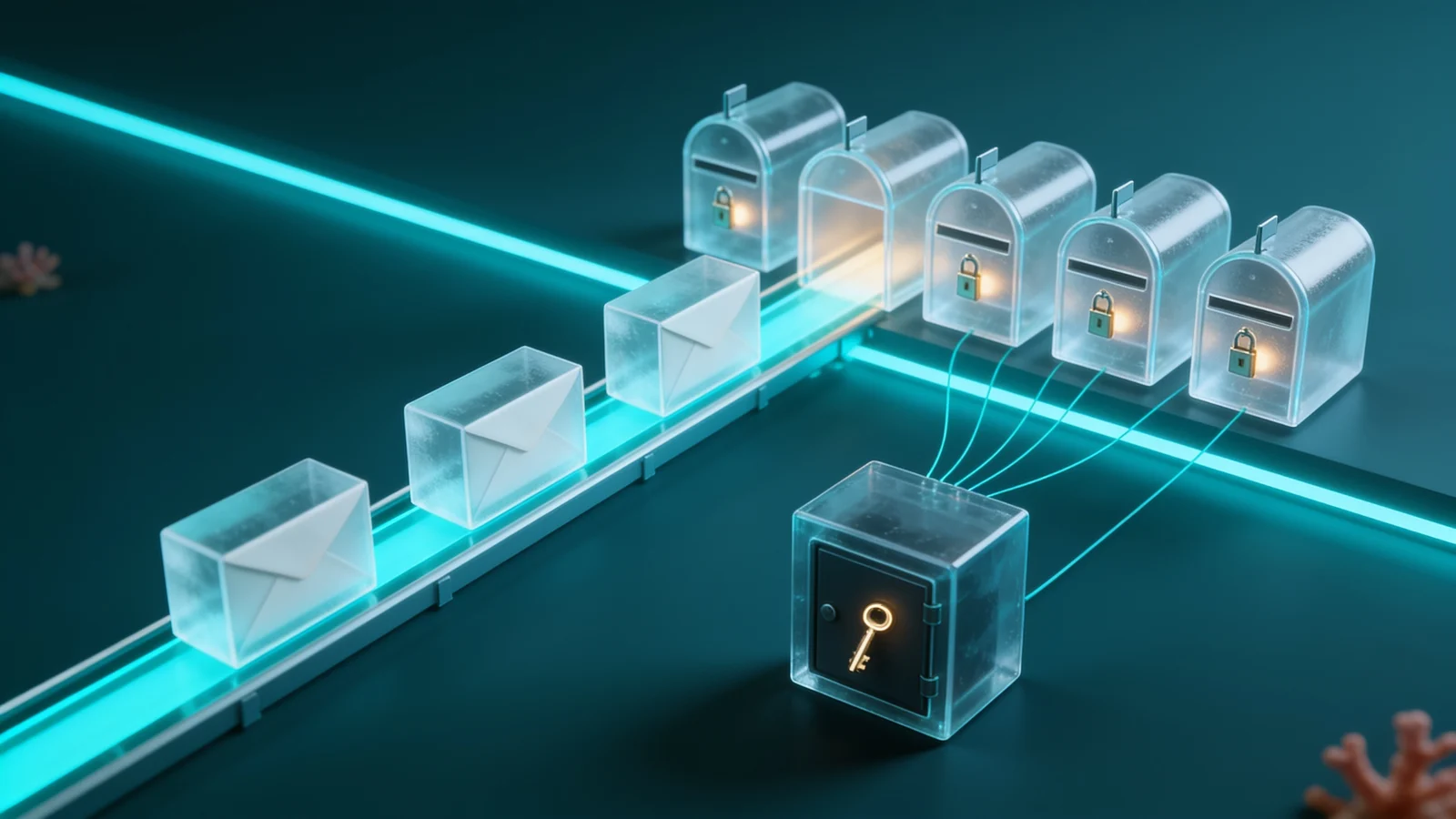
The DuoKey Cockpit holds the keys that OX Guard and Dovecot need and releases them only when the right exists. The platform stores ciphertext, not the keys.
- 01The Cockpit unseals the OX Guard master key when the pod starts, into memory only
- 02The Cockpit issues S/MIME certificates from its CA and keeps the private keys in escrow
- 03OX Guard encrypts and decrypts S/MIME in the webmail
- 04For each mailbox, the Cockpit releases the user's key, hybrid-sealed
- 05Dovecot stores every message encrypted
- 06Every release and every refusal is in the access journal
The OX Guard master key no longer sits in the cluster.
The OX Guard key file is sealed with a key in the DuoKey Cockpit. At start-up the Cockpit unseals it into the pod's memory; if the key is disabled, Guard does not start.
- The cluster holds ciphertext only.
- Every unseal is logged in the Cockpit.
S/MIME without handing over the keys.
The Cockpit issues your users' S/MIME certificates from its own CA and keeps the private keys in escrow under a KEK. OX Guard trusts the CA and receives the keys server side.
- Recovery under dual control only: the requester cannot approve.
- Public certificates in the directory for every client.
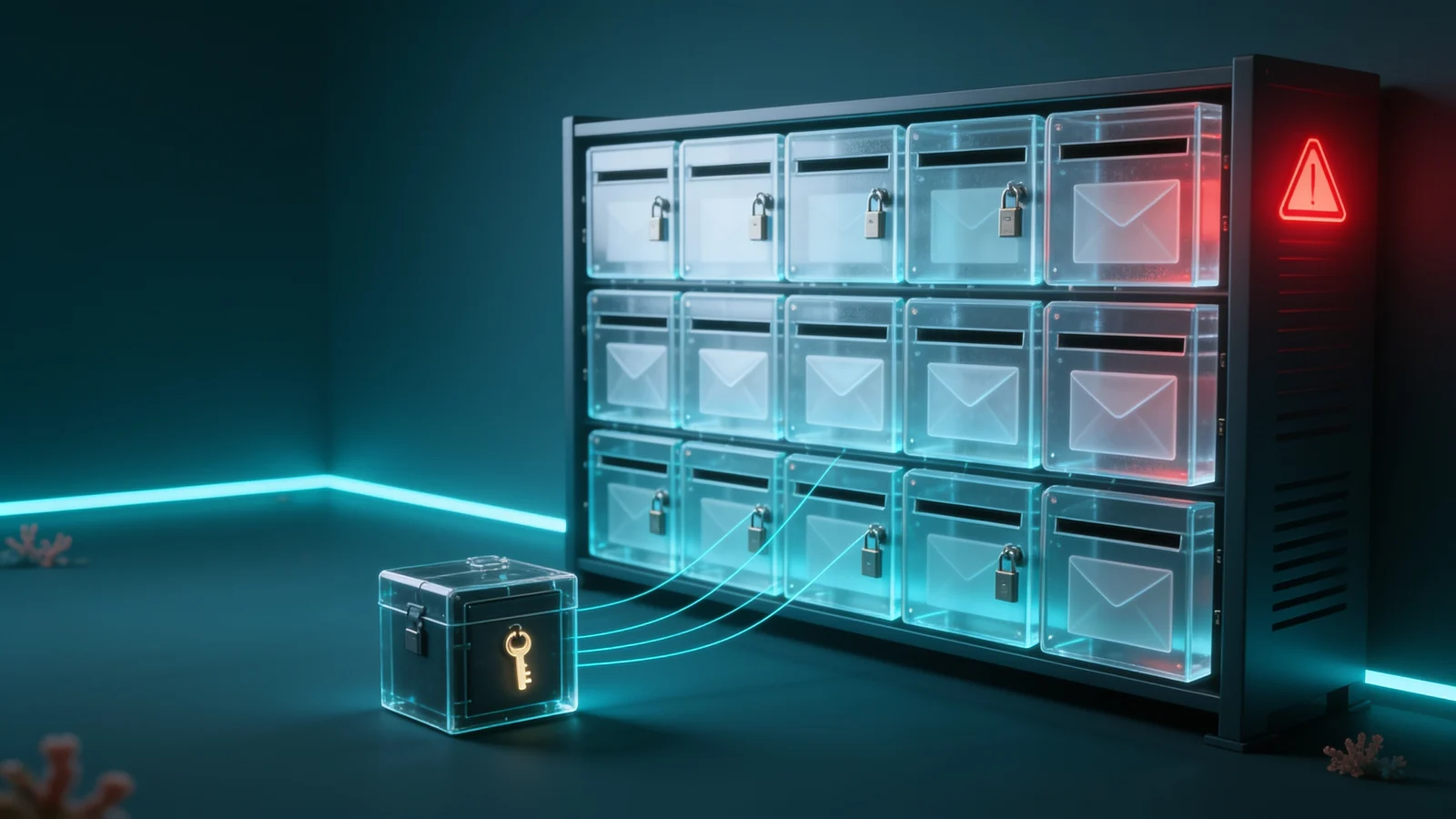
One key per mailbox, revocable in the Cockpit.
Dovecot encrypts every message as it is stored. The Cockpit releases the user's key sealed with hybrid P-256 + ML-KEM-768 and stores it nowhere.
- Revoke the right: the mailbox no longer opens, new mail waits in the queue.
- Restore the right: the mailbox is back at once.
Every release and every refusal on record.
Mailbox key releases, unseals and refusals go to the Cockpit's access journal and can be forwarded to your SIEM.
- One record per user, mailbox and service.
- Evidence for NIS2, GDPR and ISO 27001 audits.
Three protection levels
From the platform down to each mailbox
Secure Open-Xchange protects email in three levels you can roll out one by one. All three were verified end to end with openDesk 1.20 (OX App Suite 8.53, OX Guard, Dovecot).
- Level 1: the OX Guard master key, sealed in the DuoKey Cockpit
- Level 2: S/MIME with certificates from a DuoKey CA, key recovery under dual control
- Level 3: one key per mailbox, revocable in the Cockpit at any time
- The same Cockpit also protects your documents in Nextcloud, openDesk and OpenCloud
Fits your openDesk email
Secure Open-Xchange adds to openDesk's mail stack without replacing the webmail: OX App Suite, OX Guard, Dovecot and Postfix stay, the keys come from the DuoKey Cockpit.
- OX App Suite and OX Guard (PGP and S/MIME) as usual
- Dovecot encrypts mailboxes with keys from DuoKey
- The same keys and the same Cockpit as for your documents in Nextcloud and OpenCloud
Test
Test Secure Open-Xchange in your environment
You run openDesk or OX App Suite? We set up Secure Open-Xchange with you, level by level, with your keys and your users.
- 01Call: your mail environment, your HSM or vault, your certificates
- 02Level 1: the OX Guard master key in the Cockpit
- 03Levels 2 and 3: S/MIME and mailbox keys for a test group
- 04Proof: revoking a mailbox and the access journal in the Cockpit
On your premises, hybrid or as a service
On premises and in hybrid mode, DuoKey does not hold your master keys.
Deep dives
Field guides for your programme

FAQ
Secure Open-Xchange, frequently asked questions
Secure Open-Xchange manages the email keys of OX App Suite as shipped with openDesk: the OX Guard master key, users' S/MIME keys and one key per mailbox. The keys live in the DuoKey Cockpit with your HSM or vault, not in the mail system.
Nothing visible. They read and write in the OX App Suite webmail they know, and encrypt and decrypt S/MIME messages with OX Guard.
The Cockpit no longer releases the mailbox key: the mailbox no longer loads and new messages wait in the Postfix queue. Restore the right and the mailbox is back at once. Both are in the access journal.
Under dual control only: one person requests the recovery, another approves it, and the approval is used once. Only then does the key leave the Cockpit to be imported into OX Guard server side.
S/MIME is end to end between sender and recipient. Mailbox encryption protects stored messages on the server; when a user reads, Dovecot decrypts with that user's released key.
Book a call. We set up Secure Open-Xchange with you in your environment, starting with the OX Guard master key, then S/MIME and mailbox keys for a test group.
Yes. The same DuoKey Cockpit also protects documents in Nextcloud, openDesk and OpenCloud with SecureFolder, with the same keys, rights and journal.
Your email in Open-Xchange. Your keys with you.
Test Secure Open-Xchange with us in your own environment: your mailboxes, your certificates, your HSM.